• 1 Post
  • 85 Comments
Joined 1 year ago
cake
Cake day: August 25th, 2025

help-circle
  • If someone wants to publish on Steam, yeah, probably. But if Lepton works like Proton, the game doesn’t actually need to be distributed through Steam. For Proton, you can run basically any Windows executable file through Proton, even if you downloaded the file from somewhere other than Steam. I assume the plan is for Lepton to be able run basically any APK you throw at it regardless of where the APK came from. I just doubt that Lepton will bypass the Oculus DRM.


  • I think devs will have to ship a build that does not have the extra DRM and whatnot that is required to run on Oculus devices. The beauty of Lepton is just that developers won’t have to rewrite their game for a new architecture or anything. All they have to do (hypothetically) is export a new build of their project without the “include Oculus DRM” button checked. From what I understand, it’s not the exact same situation as Proton, just similar in many regards.


  • I remember using some “YouTube video downloader” website (the kind we all used before learning about yt-dl) to download an age-restricted video recently. I had tried several of those kind of sites, and most failed. But one site in particular did allow me to successfully download the age-restricted video that I wanted. Unfortunately, I do not remember the exact website that I had used. And honestly, with what I understand about how volatile these YouTube downloader websites are, I wouldn’t be surprised if that exact site doesn’t even exist by now anyway.

    All that to say: try a bunch of YouTube downloader sites. That is unfortunately your best bet at this point. You just have to hope to find one that works with age-restricted videos.


  • So, every time I want to go back one frame, I have to open that plugin from the menu and then respond to that dialog window? That is certainly more cumbersome than the way MPV/Jellyfin do it, where scrubbing is just a keyboard shortcut. Even if I assigned a keyboard shortcut to activated that plugin (I assume that’s possible), I still have to respond to that dialog box?

    When I scrub through a video to get the perfect frame to screenshot, the experience is usually something like:

    1. Pause video, no that’s not the right frame
    2. Scrub back five frames, not right
    3. Scrub forward one frame, looks closer
    4. Scrub forward one frame, looks closer
    5. Scrub forward one frame, that’s almost what I want
    6. Scrub forward one frame, that’s worse, I guess I went too far
    7. Scrub back one frame, settle on that one

    Using MPV, that’s pretty simple because each step there is just a keystroke that takes zero effort and zero time. But if each of those steps also required me to respond to a dialog box, that would just make the process tedious.


  • SatyrSack@quokk.autoSelfhosted@lemmy.worldJellyfin 12 Released
    link
    fedilink
    English
    arrow-up
    90
    arrow-down
    2
    ·
    11 days ago

    , and . scrub frame-by-frame during playback

    SO0LaBn99MO6v8V.webp

    That is exactly how MPV does it. But from what I remember, VLC devs claim it’s impossible, so VLC only allows you to scrub forward frame-by-frame, not backward. You can skip backwards in three-second increments or whatever, just not frame-by-frame at all. It’s the main thing that keeps me using MPV as my default video player, because I frequently skip around videos trying to get a screenshot of the perfect frame to use to make a meme or something. Being able to scrub frame-by-frame in both directions is a big deal.


  • Go to settings > client settings, enable the background audio with the checkbox:

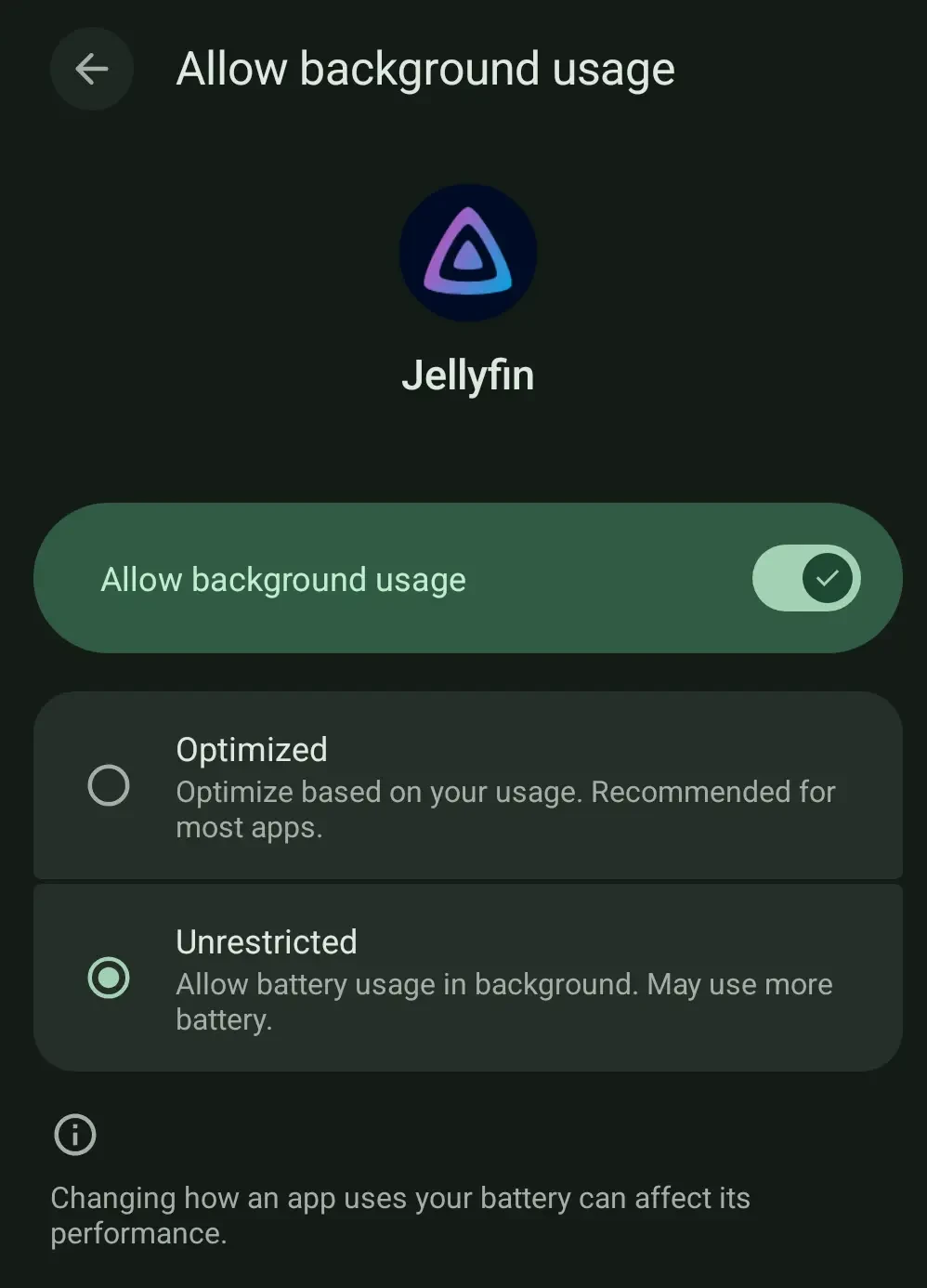
    That definitely does not fix the issue. Not sure if it is just certain devices or Android versions or whatever that have that issue, but having that checked makes no difference for me in recent months. Even with that setting enabled, if I start playing a video then switch to another app, the audio keeps playing for three seconds or so and then just cuts out. The video keeps playing in the background, but no audio.


  • AVIF is often unsupported, but in recent years, most sites seem to accept WebP. There was certainly a time in which most sites rejected WebP, and there are a handful of websites that still do have issues with it today, but it is certainly not “half the internet” at this point.

    EDIT: Your main point is definitely true, though. It took several years to reach this level of WebP compatibility, and its still not perfect. JPEG XL compatibility adoption will unfortunately likely be just about as slow.


  • Will animated JPEG XL be supported? I like to make animated images and dislike GIF for obvious reasons, but WebP is not a perfect replacement for philosophical reasons. I am eager for more programs to support JPEG XL so I can use that format for the animations that I create.

    But in my experience with WebP, some programs that claim to support that format only support static WebP images. When they encounter an animated WebP, some programs only render the first frame of that animation. Due to that experience, I am hesitant to assume that animated JPEG XL images will work just because static ones do.

    If you want to test, here is an animated JPEG XL I made a while ago: https://files.catbox.moe/80ottu.jxl


  • They just sponsored his events more than any other event (including in combination of all the major ones)

    Every other event is about general hardware stuff. The rest of the donations are to specific distros, desktop environments, or other software, where the donation will help fuel development of software that will directly benefit Framework devices running Linux. And then they donate to… a conference dedicated to an obsolete web application framework? That just sounds like “Oh, your customers got upset when they learned you donated to me? Just say you donate to this other thing that doesn’t look like me, and the money will still get to me.”